

Storage affects far more than where files are kept. Delays in the system can be caused by slow or aged storage, while untrustworthy drives may cause companies to have to change their hardware prematurely. The choice of storage technology becomes critical for the productivity of a business that relies on fast devices and consistent work.
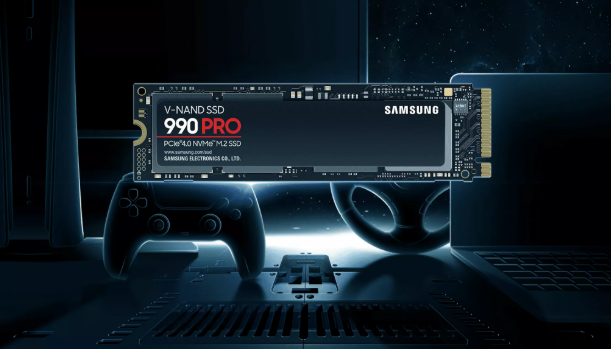
The Samsung SSDs cover the two aspects of the problem with solid-state design, V-NAND technology, effective data management, and thermal control.
With no moving parts and features designed to manage storage activity, these drives can deliver faster access while reducing several forms of physical and operational stress that affect traditional storage.
1. Solid-State Design Reduces Mechanical Wear
Samsung Solid State Drives use flash memory rather than spinning platters and mechanical read/write heads. This design removes moving components that can wear down through repeated physical movement.
Since there are fewer moving mechanical parts, SSDs do not have to deal with the wear and tear of conventional hard drives. They can withstand normal vibrations without any of the mechanical parts.
This design supports device longevity by reducing one common source of storage-related failure. A storage drive that remains dependable for longer can help a device continue operating without an early replacement.
2. V-NAND Technology Supports Efficient Storage
Samsung’s V-NAND technology uses a three-dimensional flash structure that stacks memory cells vertically. This approach allows more cells to be placed within the available space while supporting the development of higher-capacity SSDs.
The architecture is also an essential part of the Samsung approach to flash storage technology. High density of memory enables the achievement of large storage space without having any mechanical parts involved, which makes it applicable to modern devices requiring both high density and fast access.
A good flash architecture may assist in achieving consistent performance through proper data storage and management.
3. Faster Data Access Improves System Response
One of the most evident advantages of using an SSD is the increased speed of accessing data. Unlike mechanical storage, flash memory is capable of providing instant access to data without requiring any mechanical movements of parts.
Such a feature can help to reduce booting time and also speed up application launches and access to commonly used files. In addition, increased speed of storage access can be very helpful for businesses.
Faster access means less time wasted while switching from one task to another.
4. PCIe and NVMe Increase Transfer Speeds
There is also the possibility that interface technology may affect SSD performance. This is because Samsung has produced SSDs that can benefit from high-bandwidth interface technologies such as PCIe and NVME. The benefits of high bandwidth include fast file transfer and application performance.
Sequential operations can benefit from faster transfer rates, while NVMe technology is designed to reduce storage communication overhead.
When the SSD, interface, and host system are properly matched, storage is less likely to become a performance bottleneck. This helps the rest of the system make better use of its available processing capabilities.
Better Performance Can Reduce System Delays
Samsung SSDs can help reduce delays by providing faster access to applications, files, and other frequently requested data. When storage responds quickly, less time is spent waiting for information to load.
This can create a more responsive experience across everyday tasks. Faster storage access is especially valuable when systems handle large files or multiple applications at the same time.
5. Intelligent Data Management Supports Consistent Performance
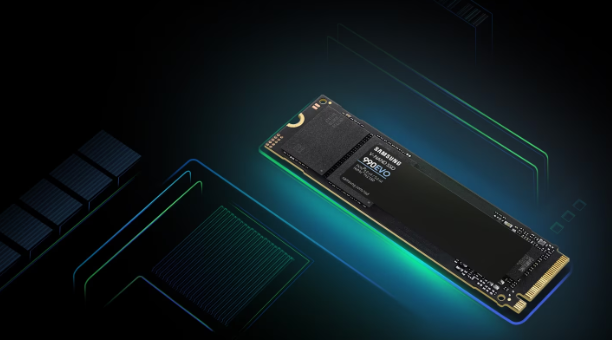
SSD performance depends on how data is handled internally. Samsung uses technologies such as Intelligent TurboWrite on supported models to manage write operations and help maintain fast performance during data transfers.
Dynamic write management can provide a performance boost during suitable workloads by using a portion of flash memory as a faster write buffer. This can help when applications regularly create or transfer data.
Efficient data management also helps the drive handle storage activity in an organized way. Consistent internal management supports reliable performance as the drive continues to receive repeated read and write requests.
6. Thermal Management Helps Maintain Stability
Heat can affect electronic components when systems operate under sustained loads. Effective thermal management is therefore important for maintaining consistent SSD performance.
Samsung SSD designs can include thermal control features and heat-spreading solutions that help manage operating temperatures. Keeping heat under control can reduce the chance of performance being limited by excessive temperatures.
Stable thermal conditions are also beneficial for long-term operation. A drive that can manage heat during demanding activity is better positioned to maintain consistent behavior without unnecessary thermal stress.
7. Samsung Magician Helps Monitor Drive Health
Storage life also depends on the state of the drive itself. Samsung Magician offers utilities that may be helpful in managing the health of the drive, performance, settings management, and applying firmware updates for compatible drives.
Health tests can prove helpful in detecting any issues with regard to the status of the storage beforehand. Firmware updates can provide improvements that would ensure consistent performance.
Checking the status of the drive proves helpful in getting to know its present status.
8. Resistance to Shock Supports Device Durability
Mechanical drives can be vulnerable to physical movement because they contain spinning platters and moving heads. SSDs use flash memory instead, giving them a different physical design with fewer components that can be affected by movement.
This makes solid-state storage better suited to devices that may experience vibration or accidental movement. The absence of moving storage mechanisms reduces the risk associated with physical shocks during normal use.
Greater physical resilience can support the longer useful life of the device itself. Storage remains a critical component, so protecting it from common physical stresses can help maintain system reliability.
9. Efficient Power Use Supports Longer Operation
Power efficiency can influence both system operation and thermal conditions. Storage that requires less energy can help reduce the overall power demand of a device, particularly during repeated activity.
Samsung SSDs are designed to manage power consumption according to their intended applications and configurations. Efficient operation can reduce unnecessary energy use while limiting the amount of heat generated during storage activity.
Lower power demand can be particularly useful in portable systems where battery life matters. In other environments, it can help support efficient operation and simpler thermal management.
Building Longer-Lasting Performance Into Storage
Device lifespan and system performance are closely connected to storage quality. Samsung’s solid-state approach removes mechanical wear, while V-NAND, modern interfaces, data management, thermal controls, and health-monitoring tools address different aspects of everyday storage operation.
These features do not simply make data access faster. They also help the drive handle repeated activity, manage heat, monitor health, and operate reliably over time. When storage remains responsive and dependable, a device can continue delivering useful performance without premature storage replacement.
For businesses assessing storage with both performance and longevity in mind, Cloud Ninjas offers a way to explore Samsung SSD options. Matching the drive to the device and workload can help turn faster storage into sustained system value.