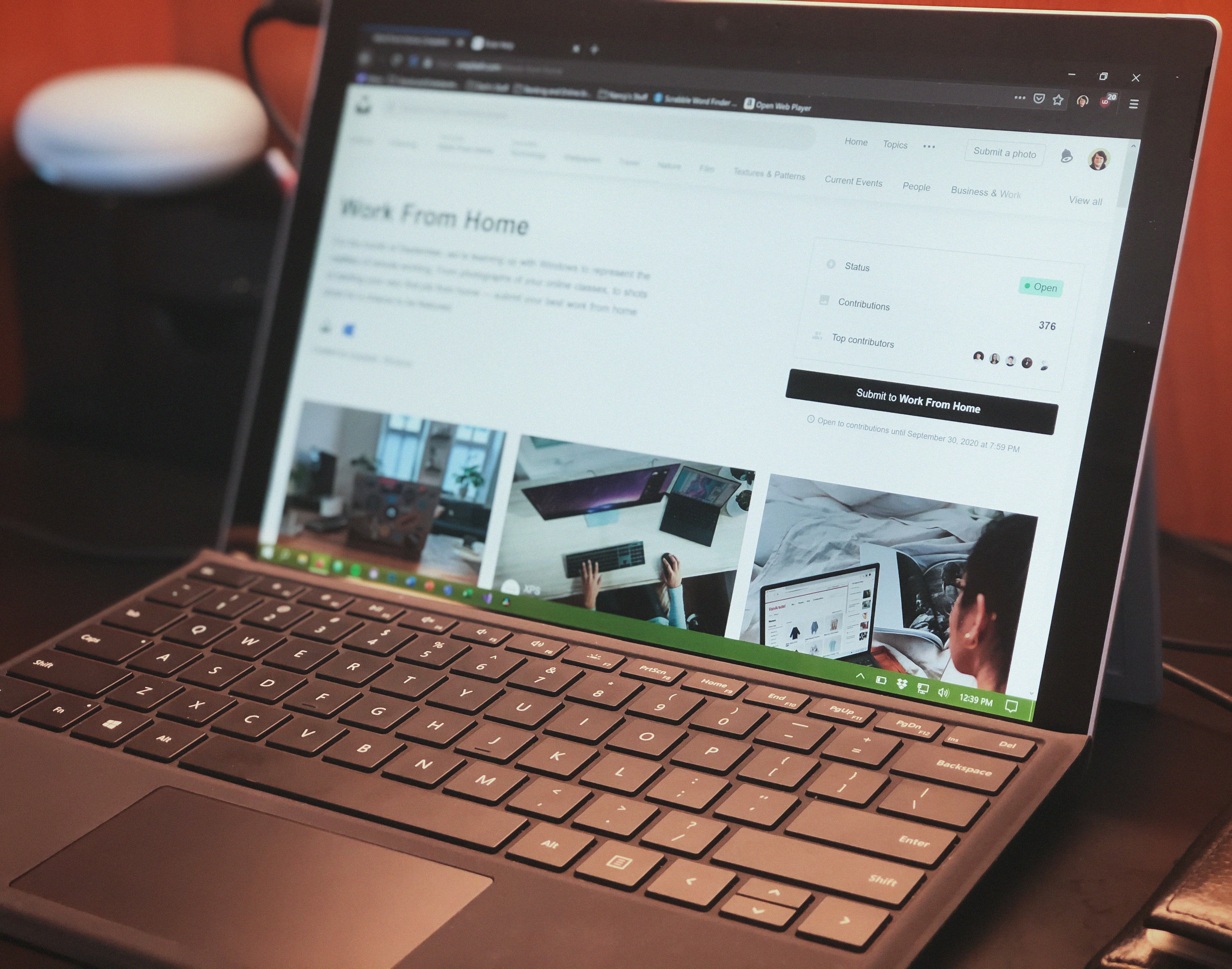

Introduction to Remote Work Tools
In recent years, remote work has transitioned from a niche arrangement to a mainstream approach within various organizations. The evolution of technology, coupled with changes in workplace culture, has propelled remote work into a viable alternative for many professionals worldwide. As more employees seek flexibility and work-life balance, the demand for an effective remote work infrastructure continues to rise. For this reason, understanding the essential tools required for remote work is crucial.
Remote work tools are critical for seamless communication, collaboration, and productivity in a distributed team environment. Without proper tools, remote workers may face challenges related to isolation, miscommunication, and decreased efficiency. Therefore, investing in the right technology and applications can enhance a remote worker’s overall experience. Tools designed for remote work range from communication platforms that facilitate instant messaging and video calls to project management software that allows teams to track progress and collaborate effectively.
Furthermore, the integration of remote work tools has demonstrated significant improvements in overall productivity. For instance, collaborative applications like document sharing and virtual brainstorming platforms help maintain team cohesion and ensure that everyone is aligned on project goals. As remote work continues to gain traction across diverse industries, organizations must prioritize equipping their teams with suitable tools that support their unique needs. Employees who are well-equipped are more likely to be engaged, motivated, and efficient in their tasks, thereby contributing to the organization’s overall success.
Communication Tools
In the increasingly digital workplace, effective communication is crucial for remote workers. Communication tools serve as the backbone of collaboration, enabling teams to stay connected regardless of geographical barriers. Among the most widely used platforms are Slack, Zoom, and Microsoft Teams, each designed to cater to specific communication needs.
Slack, a messaging platform, facilitates real-time conversations and collaboration among team members through channels, direct messaging, and file sharing. Its integration capabilities with various applications also extend its functionality, allowing users to manage projects and workflows more efficiently. By leveraging Slack, remote teams can maintain an open dialogue, enabling faster decision-making and enhancing team cohesion.
Zoom has gained popularity as a leading video conferencing tool. It supports high-definition video and audio, making virtual meetings more effective. Features such as screen sharing, breakout rooms, and recording options further contribute to its usability in managing remote teams. Through Zoom, teams can conduct face-to-face meetings, participate in webinars, and hold training sessions without the constraints of physical proximity.
Microsoft Teams combines aspects of chat, video conferencing, and collaborative document editing in one platform. This tool integrates seamlessly with other Microsoft 365 applications, allowing for real-time collaboration on documents, spreadsheets, and presentations. Microsoft Teams is particularly beneficial for organizations already utilizing Microsoft products, as it consolidates various functions into a single interface, reducing the need for multiple applications.
In summary, the effective use of communication tools is essential for remote workers. By integrating Slack, Zoom, and Microsoft Teams into their daily routines, teams can foster better collaboration, maintain clarity in communication, and enhance overall productivity. These platforms not only enable seamless interaction but also play a vital role in sustaining the connection among remote teams.
Project Management Software
In the evolving landscape of remote work, having effective project management software is crucial for maintaining productivity and ensuring seamless collaboration among team members. Tools such as Trello, Asana, and Monday.com have become essential assets for remote workers, enabling them to organize tasks efficiently, track progress meticulously, and foster teamwork in a virtual environment.
Trello offers a highly visual approach to project management, using boards, lists, and cards to represent tasks and their statuses. This tool is particularly beneficial for remote teams that thrive on clarity and organization, allowing members to see project progress at a glance. Tasks can be assigned to various team members, with deadlines clearly indicated, helping to streamline workflow and enhance accountability.
Asana, another prominent player in the realm of project management tools, provides a robust set of features tailored for remote teams. Its capability to create tasks, subtasks, and set deadlines ensures that all team members are aligned with project timelines. Furthermore, Asana incorporates project overviews and custom dashboards that allow for real-time tracking of milestones and deliverables, which is vital when team members are dispersed across different locations.
Monday.com stands out with its customizable interface, allowing teams to create workflows that suit their unique project requirements. The platform integrates a variety of functionalities, including time tracking, file sharing, and communication tools. This versatility makes it an attractive choice for remote workers looking to enhance collaboration and ensure that all project stakeholders are on the same page.
In summary, utilizing project management software such as Trello, Asana, and Monday.com significantly enhances the efficiency and effectiveness of remote teams. By providing structured frameworks for task organization, progress tracking, and collaboration, these tools empower remote workers to meet their objectives seamlessly.
Time Management and Productivity Tools
In the realm of remote work, effective time management and enhanced productivity are crucial for maintaining workflow and achieving goals. The right tools can make a substantial difference, allowing individuals to track their time, set appropriate reminders, and gain insights into their work habits. These capabilities not only make remote working more efficient but also reduce the likelihood of burnout.
One popular tool for time tracking is Toggl. This app allows users to log their work hours across different projects and clients effortlessly. By providing detailed reports, Toggl enables individuals to identify how they allocate their time, which areas require more focus, and where improvements can be made. By utilizing Toggl, remote workers can adopt a more structured approach to their daily tasks, ultimately enhancing their productivity levels.
Another significant tool is RescueTime. Unlike traditional time trackers, RescueTime runs in the background and automatically records how users spend their time on various applications and websites. It offers insightful reports that highlight productivity patterns, helping remote workers recognize distractions and inefficient habits. By understanding these patterns, individuals can optimize their work processes, allocate more time to critical tasks, and minimize wasted time.
Additionally, many remote workers find the Pomodoro Technique to be beneficial. This technique involves breaking the workday into intervals, typically 25 minutes in length, followed by short breaks. There are several Pomodoro apps available that guide users through this method, aiding concentration and ensuring periods of rest. By implementing this time management strategy, workers can maintain their energy and focus throughout the day.
Incorporating these time management tools effectively can greatly enhance the productivity of remote workers, allowing them to stay organized and focused in their tasks.
Cloud Storage Solutions
In today’s increasingly digital world, cloud storage solutions have become indispensable for remote workers. These platforms offer a seamless way to store, share, and access documents and files from virtually anywhere with an internet connection. One of the most compelling advantages of utilizing cloud storage is the ability to collaborate effectively with team members. Services like Google Drive, Dropbox, and OneDrive not only facilitate easy file sharing but also allow multiple users to edit documents in real time, significantly enhancing productivity.
Google Drive stands out for its integration with other Google services. It provides an accessible and intuitive user interface that supports various file types, making it a go-to option for remote teams. Its collaboration features, including comments and suggestions, help streamline communication among team members, thus improving overall workflow. Additionally, Google takes security seriously, including features such as two-factor authentication and file encryption to protect users’ data.
Dropbox is another robust cloud storage solution known for its simplicity and reliability. With its file synchronization and sharing capabilities, remote workers can ensure that they have the latest versions of their documents at their fingertips. Dropbox’s focus on collaboration tools like shared folders and team management settings makes it a suitable choice for businesses that rely heavily on remote teamwork.
OneDrive, a product of Microsoft, integrates seamlessly with the Microsoft Office Suite. This feature allows users to store documents and access them directly from their Office applications, enhancing the user experience for those who frequently work with Word, Excel, and PowerPoint. The security offered by Microsoft, including advanced threat detection and data loss prevention, adds another layer of protection for sensitive information.
In conclusion, cloud storage solutions play a vital role in the seamless operation of remote work. By utilizing prominent services such as Google Drive, Dropbox, and OneDrive, remote workers can enhance collaboration, ensure security, and maintain access to their documents from any location, thereby boosting their productivity.
Virtual Collaboration Tools
In an era where remote work is increasingly becoming the norm, effective virtual collaboration tools are essential for teams to function seamlessly. Various platforms facilitate brainstorming, designing, and document creation in real-time, enabling remote workers to maintain productivity and cohesion. This section will explore notable tools that enhance collaboration and help facilitate team dynamics.
Miro is a popular digital whiteboard platform that allows teams to brainstorm ideas visually. It proves particularly useful during brainstorming sessions where participants can contribute their thoughts in a shared space. With various templates and features, Miro fosters creativity, permitting team members to collaborate on projects in an engaging manner. This tool is particularly beneficial for remote teams, as it offers them an opportunity to participate interactively, regardless of their geographical locations.
Figma is another standout tool in the realm of virtual collaboration, particularly for designers. This web-based design application allows multiple users to work on the same design projects simultaneously, enhancing the feedback process and speeding up the design workflow. Figma’s comment feature allows team members to provide notes directly on the design canvas, ensuring that all ideas and suggestions are consolidated in one accessible location. This real-time collaboration reduces the back-and-forth of email exchanges, streamlining the design process and fostering creativity.
Google Docs has long been a staple in the toolkit of remote teams. This document creation platform allows multiple users to edit and brainstorm text documents collaboratively, facilitating easy sharing and feedback. Users can leave comments, suggest edits, and view version history, making it an efficient tool for teams working on shared documents. Moreover, its integration with other Google services enhances its usability and promotes a cohesive working environment.
Cybersecurity Tools
In an increasingly digital world, cybersecurity has become a crucial priority for remote workers. The delicate nature of remote work exposes individuals to risks such as data breaches, identity theft, and cyber-attacks. To mitigate these risks, it is essential for remote workers to employ various cybersecurity tools designed to protect their sensitive information and ensure privacy.
A fundamental tool in a remote worker’s cybersecurity arsenal is a Virtual Private Network (VPN). A VPN encrypts internet traffic, creating a secure tunnel between the user’s device and the internet. This encryption not only protects sensitive data from potential eavesdroppers on public networks but also masks the user’s IP address, enhancing their online privacy. Using a reputable VPN service is a proactive measure that remote workers can take to safeguard their work-related communications.
Another essential cybersecurity tool is a reliable password manager. Given the number of online services and platforms that remote workers rely on, maintaining strong, unique passwords for each account can be daunting. A password manager simplifies this process by securely storing passwords and automatically generating strong passwords for new accounts. This reduces the risk of credential theft and lessens the chances of falling victim to phishing attacks, which are particularly prevalent in remote working situations.
Lastly, antivirus software is indispensable for defending against malware, ransomware, and other malicious threats. Regularly updated antivirus programs can detect and eliminate potential threats before they compromise sensitive data. By configuring these tools for automatic updates and routine scans, remote workers can maintain a safeguard against evolving cybersecurity threats.
Hardware Essentials for Remote Work
In the era of remote work, having the right hardware is crucial for maintaining productivity and comfort. A reliable laptop serves as the backbone of remote work setups. When selecting a laptop, prioritize those with robust processing power, adequate storage, and a high-resolution display. Brands such as Dell, Lenovo, and Apple consistently receive high marks for their performance and durability, making them ideal choices for remote professionals.
A secondary screen or monitor can greatly enhance your workspace by extending your visual real estate, allowing for multitasking and reducing eye strain. Monitors with adjustable stands facilitate ergonomic positioning, which is vital for long hours of work. An investment in a 4K monitor can also further improve clarity, making it easier to view documents, run complex software, and engage in video conferencing.
Audio quality plays a significant role in communication, making high-quality headsets essential for remote workers. Look for headsets that offer noise-cancellation features to minimize distractions and improve focus during calls. Brands like Bose and Sennheiser are excellent options that provide superior sound quality and comfort for extended use.
Ergonomics is a central concern for remote workers, particularly when it comes to the work environment. An ergonomic chair that supports proper posture can prevent discomfort and injuries over time. Consider chairs from brands like Herman Miller or Steelcase, which are designed to support long hours of sitting. Additionally, standing desks can offer flexibility in work positions, promoting better health and productivity by allowing users to alternate between sitting and standing throughout the day.
Peripheral devices, including a reliable keyboard and mouse, complement the hardware setup, enhancing typing comfort and efficiency. Investing in these essential tools can significantly improve the overall remote work experience.
Conclusion and Future Trends in Remote Work Tools
As the landscape of work continues to evolve, the significance of having the right tools for remote work cannot be overstated. High-quality technology solutions empower employees to collaborate effectively, manage time efficiently, and maintain productivity irrespective of geographical boundaries. These tools facilitate seamless communication, document sharing, and project management, thereby addressing the prevalent challenges posed by distance in work settings. Consequently, investing in appropriate remote work tools is pivotal for organizations aiming to sustain performance and employee satisfaction.
The future of remote work tools appears promising, with technological advancements likely to revolutionize how we work. Emerging trends, such as artificial intelligence and machine learning, stand poised to enhance productivity by offering personalized experiences and insights. For instance, AI-driven analytics might help organizations to better understand workforce dynamics, leading to improved task allocation and resource management. Additionally, augmented reality (AR) and virtual reality (VR) technologies may provide immersive collaboration environments, thus bridging the gap that independent work may create.
Moreover, the integration of automation tools is expected to streamline repetitive tasks, allowing remote workers to focus on more strategic activities. As cybersecurity continues to gain prominence, a surge in security-centric tools will likely emerge, ensuring the protection of data and maintaining confidentiality in a remote work setup. Thus, the tools of tomorrow will not only enhance efficiency but also prioritize secure collaboration. In summary, the evolution of remote work tools is a critical aspect of the changing work paradigm. By embracing current innovations and anticipating future technological trends, organizations can create an empowered workforce that is adaptable to the demands of an ever-changing working environment.